

4·
1 day agoTrees are quite effective at slowing down winds, so planting more trees than before is exactly the right response. 👍
Trees are quite effective at slowing down winds, so planting more trees than before is exactly the right response. 👍
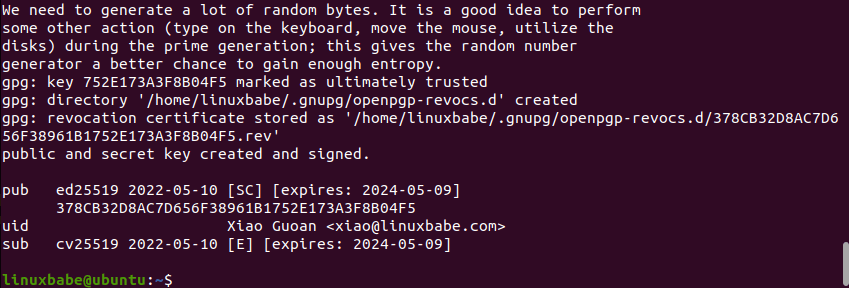
It’s GPG that you’re probably thinking of:
Kind of weird that this is now just how we depict a T-Rex. Like, we know that the thing likely had feathers. This meme specifically references that it was the ancestor of a bird. Surely anyone who gets this meme wouldn’t be surprised that the T-Rex had feathers.
But if you actually depicted it with feathers, then no one would know that it is a T-Rex that you’re referencing. You have to depict it naked for the meme…
I use “Air Hockey Saloon” by Chris Zabriskie. Certainly more on the gentle side.
https://archive.org/details/2009_-_2014-16921/Chris_Zabriskie_-_08_-_Air_Hockey_Saloon.mp3
(It’s under Creative Commons: https://chriszabriskie.com/vendaface/ )

100k lines and you don’t yet have a design that’s mostly settled?
5 minutes sounds like way too much, unless you mean a fresh compile. But then you shouldn’t need to wait that long between changes, since incremental compilation should kick in then.
And like sure you can break shit up into crates to speed up compilation, but to do that you already have to have a design you’re happy with and that’s stable.
I mean, if you have your modules structured in a tree structure and with proper visibility, then it isn’t a particularly big leap to put it into a separate crate. You just move the files, maybe fix some visibility modifiers still, and then a bit of boilerplate to add it to the workspace.
It’s only really when you’re publishing to crates.io, that you don’t particularly want to keep changing the names/scopes of the crates, as they’ll stick around on there for the foreseeable future.

Personally, I’ve kind of given up all structure.
I have a script that creates a Markdown file with basically just the date in the file name and then it opens it in my text editor. All Markdown files are in one big folder. Notes, todos etc. all go into the there.
So long as a file is open in my text editor, it’s actively relevant. Afterwards I’ll use full-text search (like grep -iR), if I need something again.
I will often specify a title in the Markdown, but mainly because it’s a great place for keywords to make the file easier to find again. It’s also my way of tagging the files.
I mainly like this way of working, because I spend very little time on inputting information, which I do way more often than retrieving information (at least for the files which aren’t actively open in my text editor).
But I’ve also never used a structured approach for more than a few months without it turning into chaos, where full-text search is the only option anyways.
Maybe this would be different, if my tasks were more structured. Your mileage may vary. ¯\_(ツ)_/¯
I mean, there’s still some download managers around, for example:
But yeah, I imagine this functionality is now largely integrated into the apps that want to trigger the download. The advanced downloading functionality can just be a library and then the respective apps just need to strap a UI on top.
The only real advantage of a dedicated app, is that the other app’s APK size can be smaller, which isn’t too big of a deal anymore.

I think, something to be aware of is that it’s not just shade. It’s not just cooler below the tree. Trees also store and evaporate water, which cools the whole area. This summarizes the cooling effect quite well:
https://www.nature.com/articles/s43247-024-01908-4
And well, ultimately if we accept that climate change is a thing, planting trees now is the cheapest investment we can make to combat the heatwaves in 10+ years from now.
It will reduce heat deaths. It will reduce AC costs of everyone living there. And it will mean that the city doesn’t lose out on taxes from people choosing to stay inside during a heat wave.